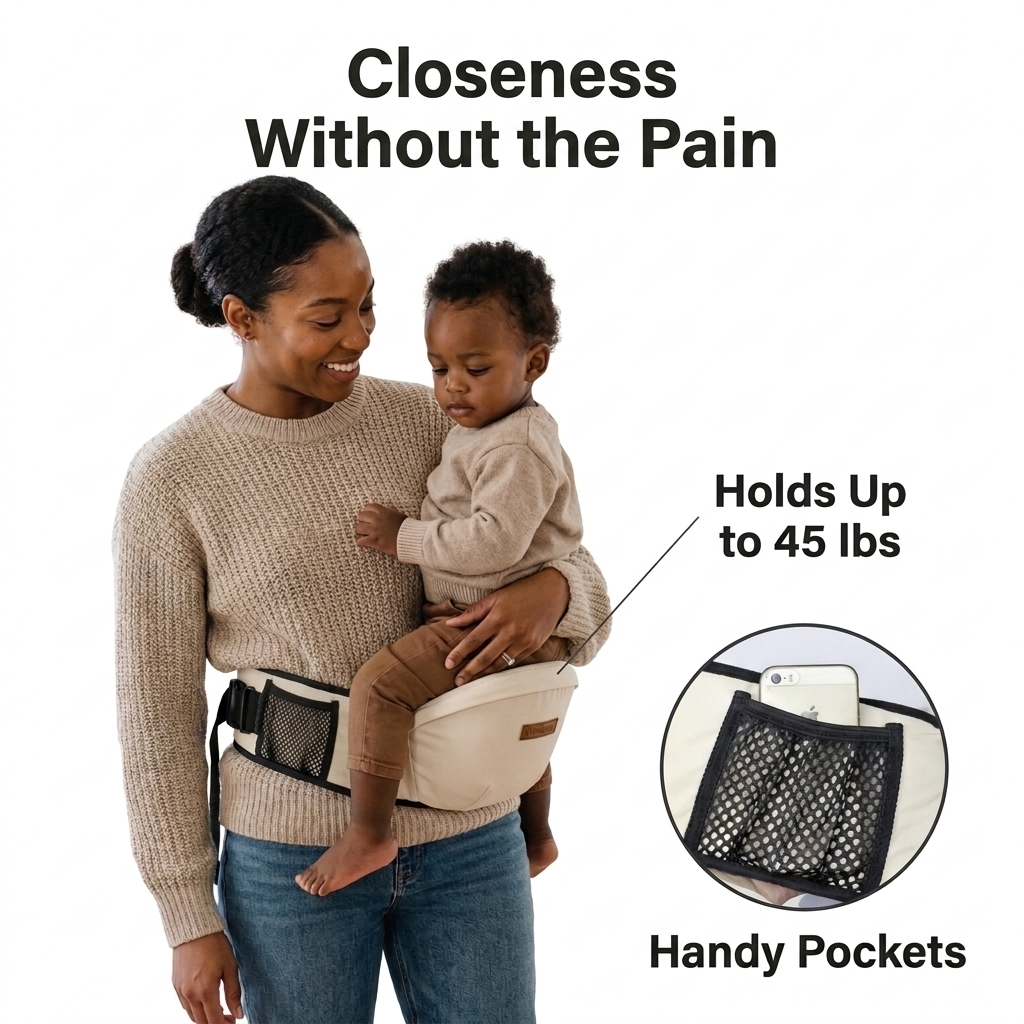
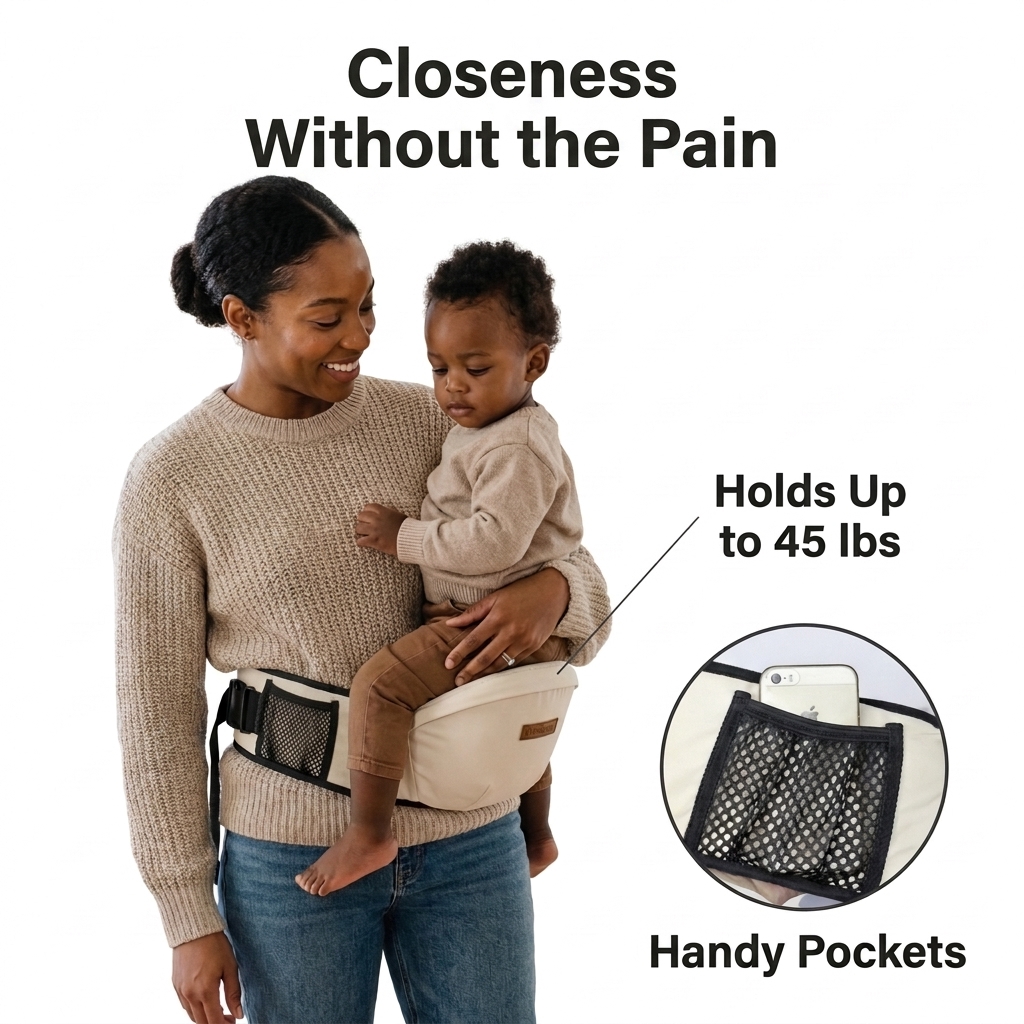
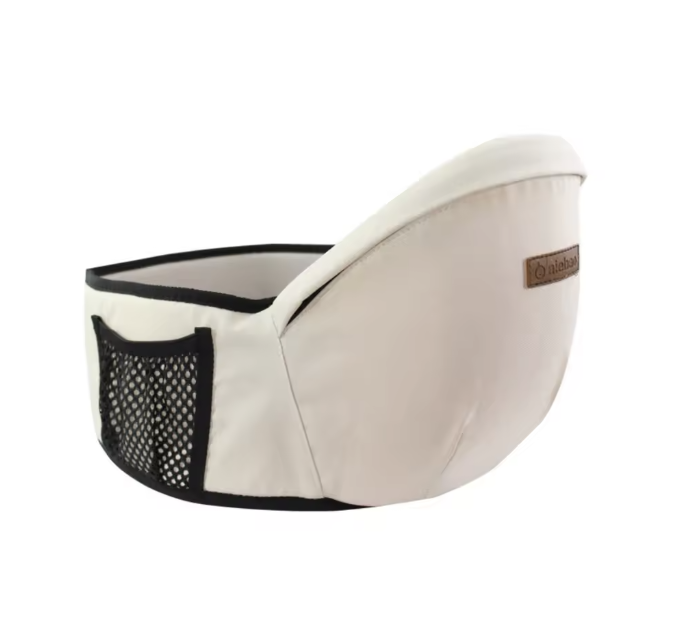
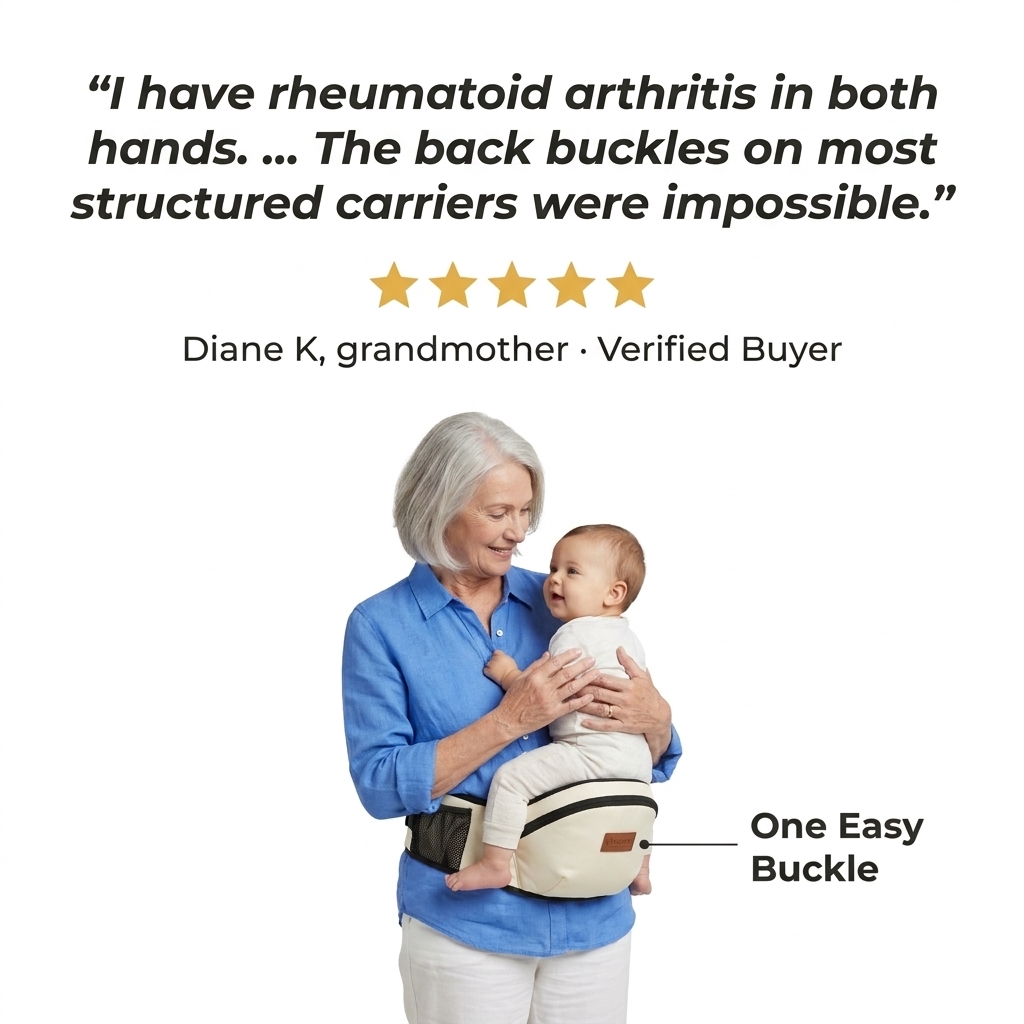
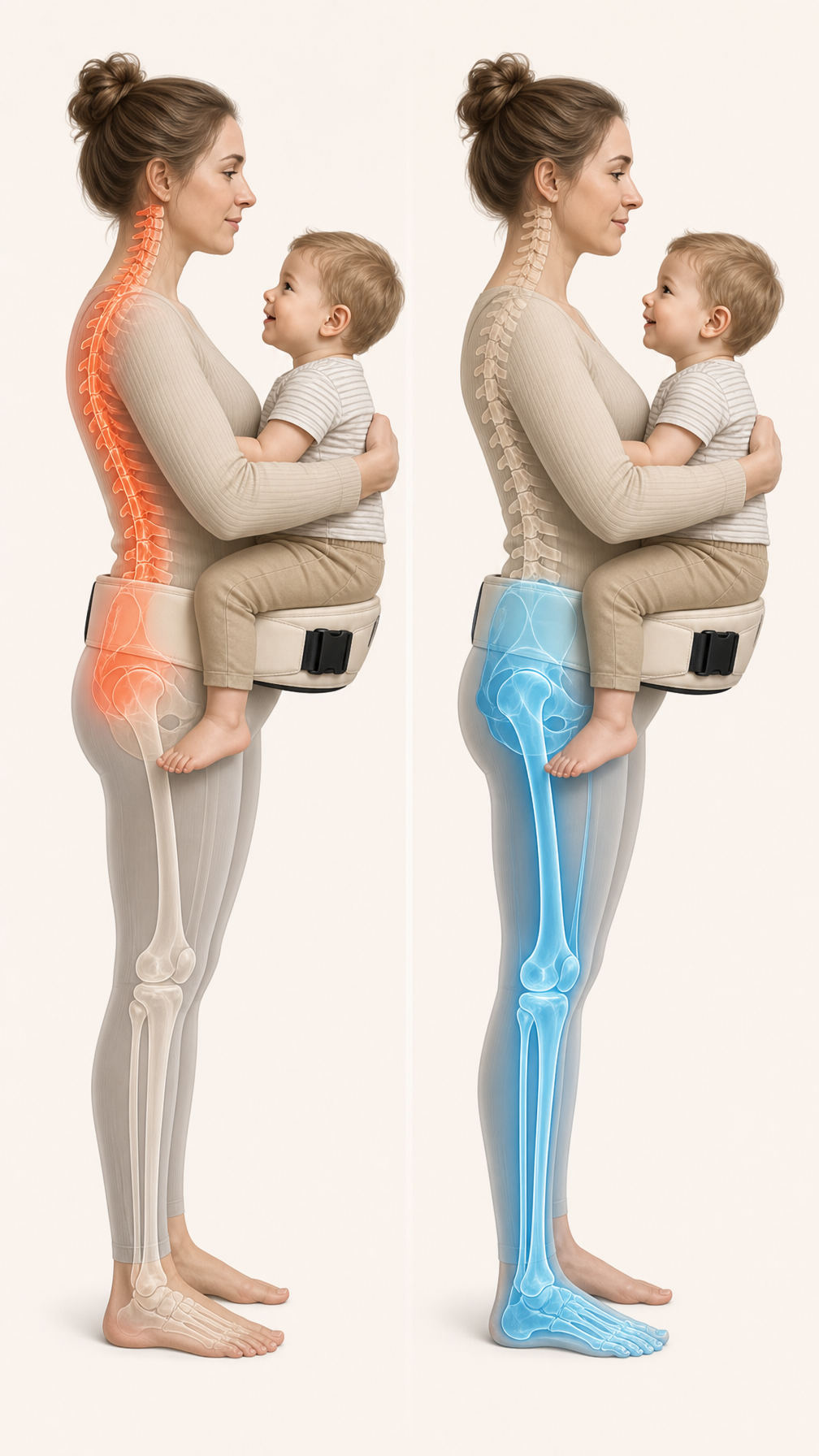
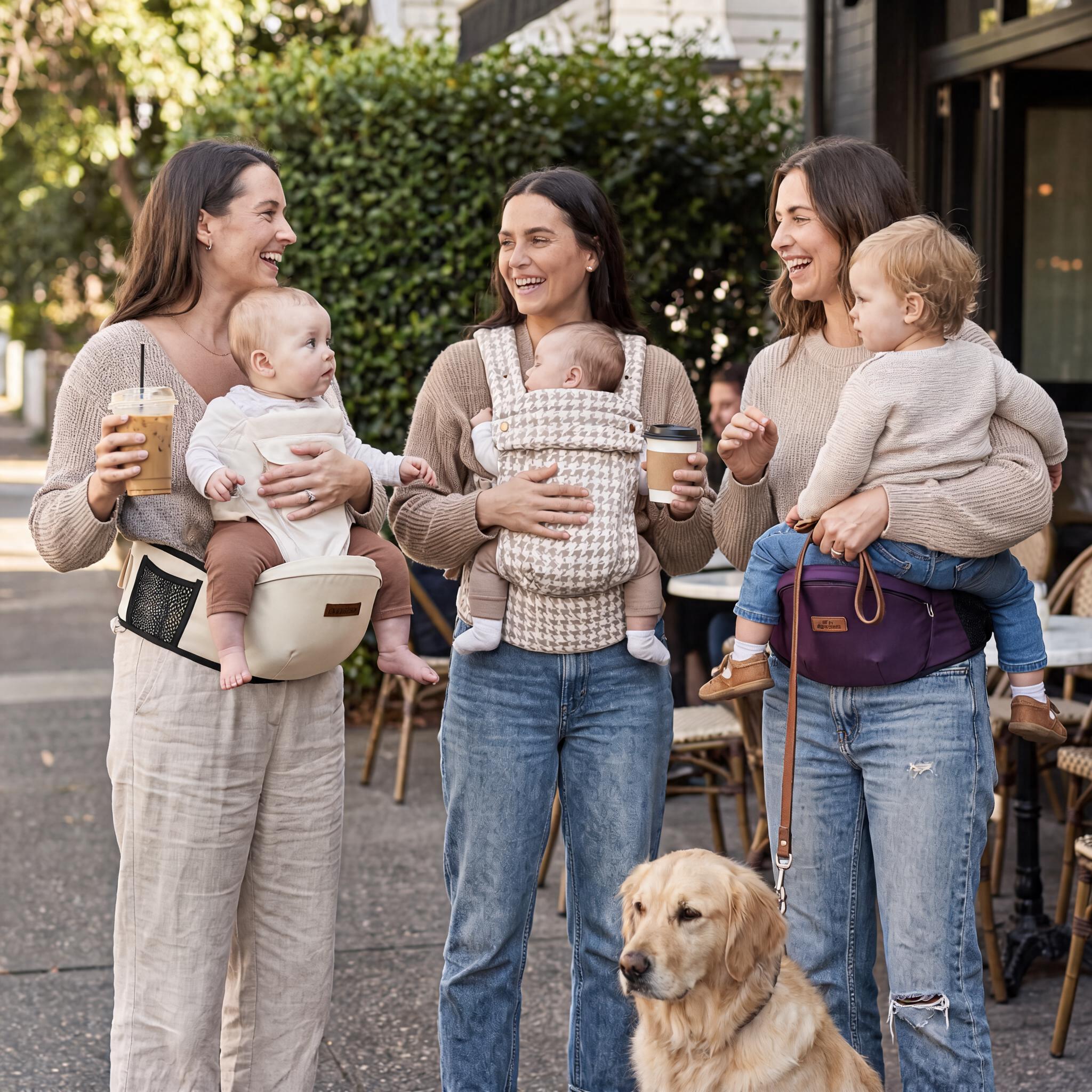




Edit Image 1. Keep the woman, the child, their outfits, expressions and pose, the white background, the pocket inset and the “Handy Pockets” label exactly the same. Make only these changes: 1. Move the mesh pocket on the carrier. On the hip seat she is wearing, move the black mesh side pocket further back along the waist belt, toward her left hip and lower back (the left side of the image). It should sit on the side panel of the seat behind the child’s leg, fully visible and not covered by the child’s legs or her hand. The front of the seat, where the child sits, should be plain cream fabric with only the small “Haven” leather patch. The pocket keeps the same black mesh and black trim, and its size stays the same. 2. Make the headline much larger. Split the headline over two lines, centred, in the same bold sans-serif, dark charcoal ( #1F1F1F), Title Case: Line 1: Closeness Line 2: Without the Pain Increase the text size so the longer line spans the full width of the image with only a small margin (about 4%) on each side. Reduce the gap between the headline and the photo so there is minimal empty white space at the top. The headline must not overlap the woman’s head. Spelling must be exact. 3. Fix the 45 lbs callout line. Make the thin charcoal line from “Holds Up to 45 lbs” point to the hip seat itself, not the child’s jumper. Move the text down slightly so it sits level with the seat. AVOID: changing faces, the pose or the outfits; changing the carrier’s shape or colour; the pocket hidden under the child; extra text; distorted hands; any background colour other than plain white.
Бесплатный старт · Генерация видео и картинок с ИИ за секунды